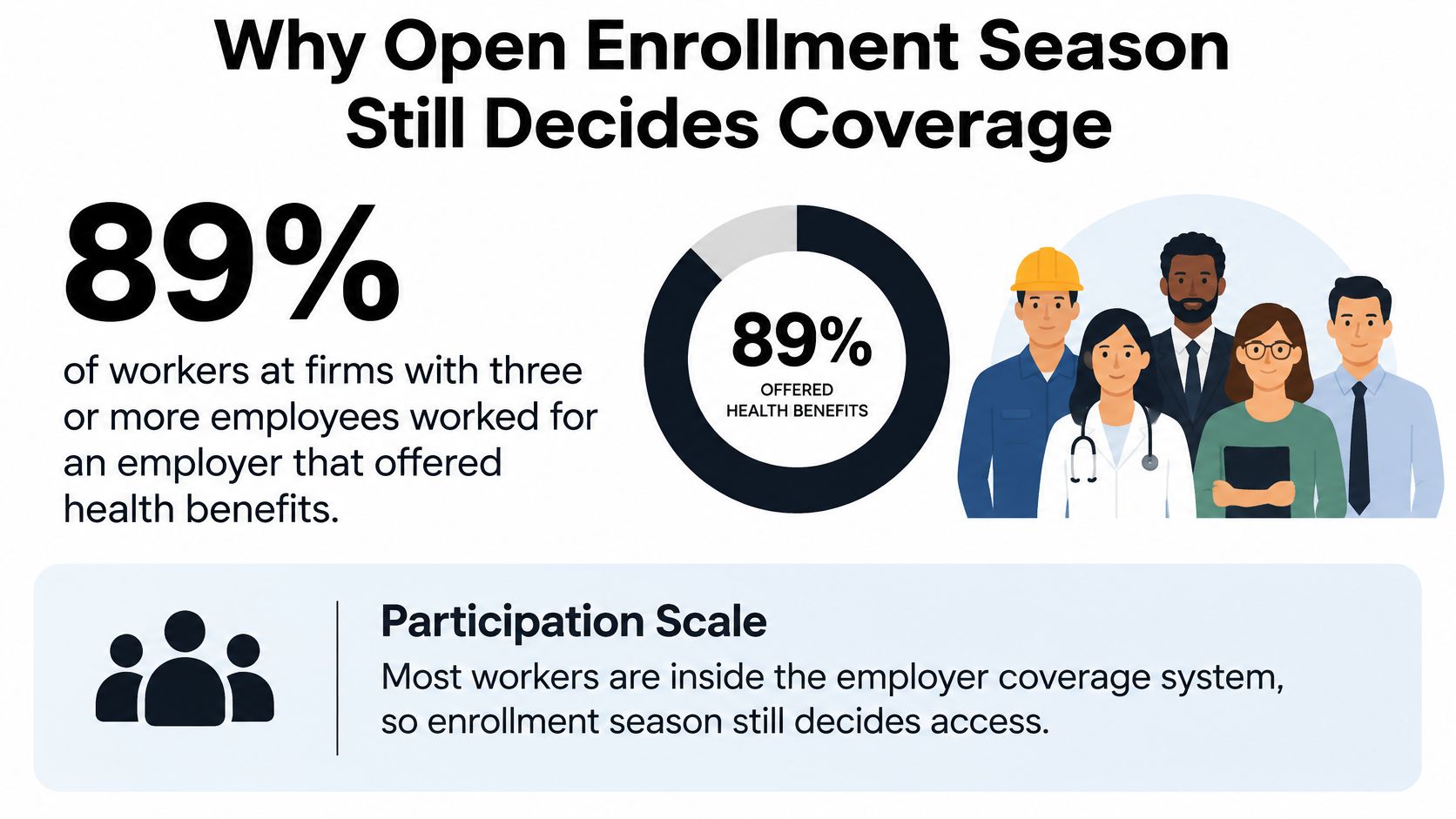
KFF's 2024 Employer Health Benefits Survey found that 89% of workers at firms with three or more employees worked for an employer that offered health benefits. That scale makes open enrollment season more than a yearly paperwork exercise. For HR and finance teams, it's a decision-quality test: can employees make informed total-cost choices, and can the company get accurate elections into payroll and carrier systems?
Table of Contents
- Why Open Enrollment Season Still Decides Coverage
- The Employer Planning Calendar Before the Window
- Lock Eligibility Automation and Compliance
- Compare Total Annual Cost Not Just Premiums
- How to Communicate So People Actually Choose
- Handle Late Changes and Qualifying Events
- Score Results and Book Next Year
Why Open Enrollment Season Still Decides Coverage
Among workers eligible for their employer's plan, 75% enrolled, while 61% of all workers at firms offering benefits were covered by their own employer's plan, according to KFF's 2024 Employer Health Benefits Survey. Employer-sponsored insurance covers approximately 154 million nonelderly people in the United States. For HR managers, benefits administrators, founders, and finance partners at small and midsized companies, the annual window is where coverage choices, dependent records, and payroll deductions meet.
That makes the season consequential even when a company offers only a few plans. An employee might add a child, switch coverage tiers, waive the employer plan, or leave an election unchanged. Each choice affects the coverage file and may change the employee's paycheck deduction or the company's contribution.
A successful season isn't measured by how many reminders HR sends. It means eligible employees make a knowing election, carrier and payroll records match, and coverage begins without a preventable gap. Those outcomes depend on decisions made well before the election window opens.
Start with the effective date, then work backward. That calendar gives HR and finance a concrete deliverable: a sequence of dates, owners, and checks that leaves enough time to settle plan choices, support employees, and reconcile files before coverage begins.
The Employer Planning Calendar Before the Window
| Milestone | When | Owner | Why it matters |
|---|---|---|---|
| Set budget, census, and contributions | 120 to 90 days before the effective date | HR and finance | Contribution choices expire once carrier quotes are accepted |
| Finalize plans and networks | 90 to 60 days before the effective date | Broker and HR | Employees can't compare options that are still moving |
| Test eligibility and draft the guide | 60 to 30 days before the effective date | Benefits admin and HRIS | Catches waiting-period and dependent errors before launch |
| Announce and run the election window | About 2 to 3 weeks, often mid-October to mid-November for January 1 plans | HR and employees | Long enough to decide, short enough to finish |
| Reconcile elections to payroll and carriers | Within 7 days after the window closes | Payroll and benefits admin | Stops wrong deductions and missing ID cards |
| Coverage effective date | Plan anniversary, often January 1 | Carrier | Files must be clean before this date |
For a January 1 plan, start strategy work in September. That gives HR and finance time to check the employee census, set a contribution budget, and consider how the company will divide costs between itself and employees. By October, the broker and HR should have settled plan options and network changes so employees aren't comparing moving targets.
The test-and-guide stage follows. Benefits administrators and HRIS partners can confirm that eligibility rules work as intended, check dependent records, and prepare a concise comparison guide. Then set a clear election window, communicate when it opens and closes, and make sure employees know which actions are required.
Keep the employer and Marketplace calendars separate
The employer window is not the ACA Marketplace deadline. For Marketplace coverage, HealthCare.gov's enrollment dates and deadlines list an annual window from November 1 through January 15. Consumers who enroll by December 15 can generally start coverage January 1 if they pay the first premium; enrollment from December 16 through January 15 generally starts coverage February 1.
Those dates govern Marketplace plans, not a company's group plan. Don't copy them onto an employer calendar without checking the group plan's effective date and carrier deadlines.
A company with a non-calendar-year anniversary should shift each row to its own effective date. If its carriers have different anniversaries, consider aligning them so employees make coverage decisions once rather than navigating multiple enrollment windows. Write the six milestone dates on one page, name an owner for each, and do that before sending the first announcement.
Lock Eligibility Automation and Compliance
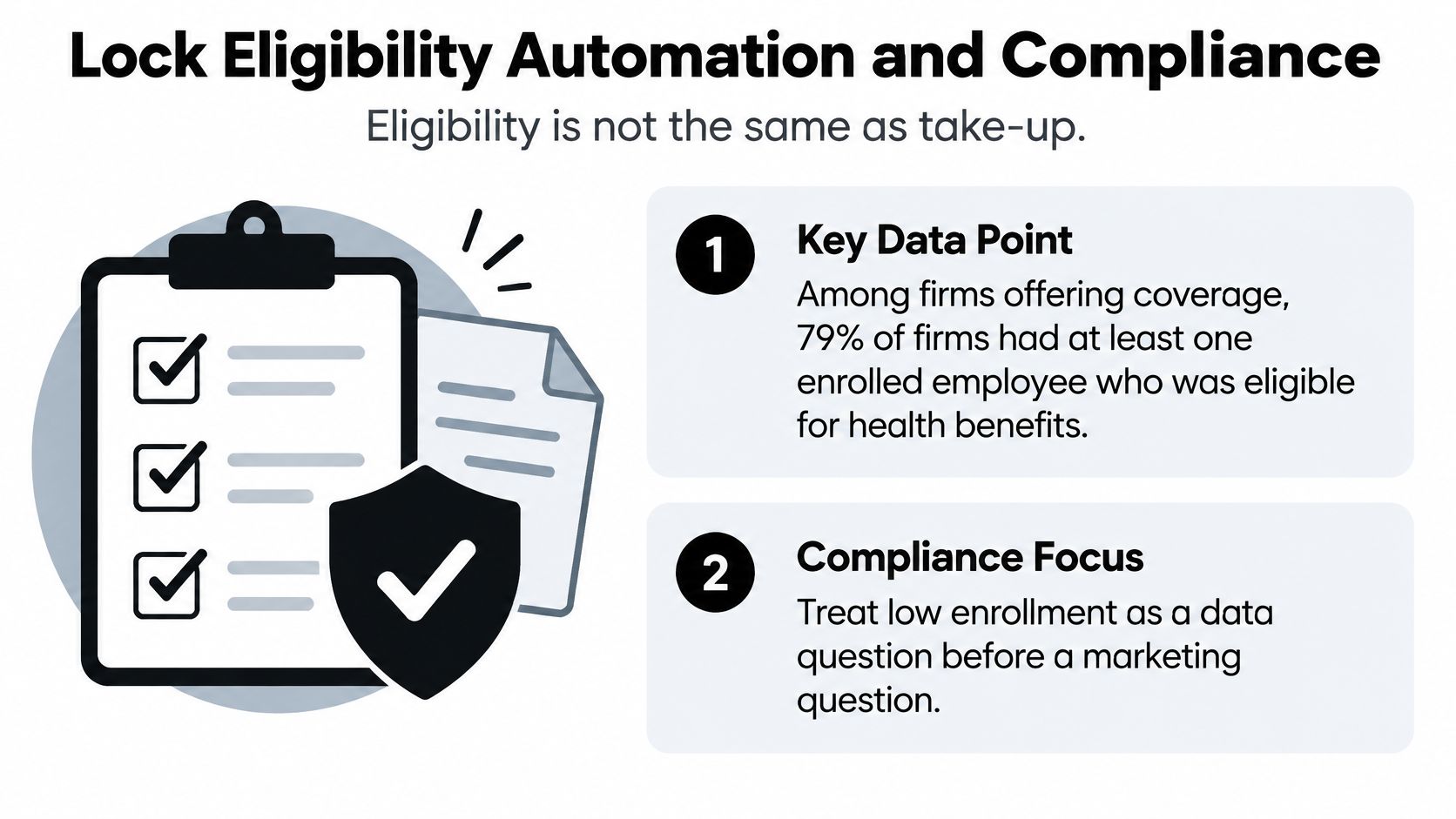
A low enrollment count often starts as a file problem. Eligibility and take-up are different steps. One measures who qualifies for the offer. The other measures who completes enrollment and gets into payroll and carrier files cleanly. When the final count looks light, check who was eligible, who could access the system, and what the records show before blaming communication.
Smaller teams feel this first. Variable-hour schedules, lower-wage roles, recent hires, and waiting periods create edge cases that a standard active employee record will not catch. Put eligibility review inside the enrollment workflow, with an owner and a date, rather than relying on a last-minute headcount.
Work through the records in order
Reconcile the census. Compare the HRIS roster against payroll status, waiting-period rules, employment class, work location, dependent records, and carrier eligibility files. Confirm that each system points to the same people and coverage status.
Test more than the standard case. Check a new hire who has not completed the waiting period, a rehire, a variable-hour employee, someone moving between part-time and full-time status, an employee on leave, and an employee who has lost other coverage. These cases reveal rule or system settings that routine records hide.
Track exceptions during the window. Keep a working list of missing dependent documents, declined coverage, incomplete elections, and eligible employees who have not logged in. Assign an owner and next action to each entry. Incomplete does not equal declined.
Reconcile after close. Match every election to the payroll deduction and carrier file before the effective date. Preserve the supporting record: eligibility decisions, notices, employee attestations, and corrections.
| Situation | What goes wrong | Check before close |
|---|---|---|
| New hire in a waiting period | Offered too early or too late | Hire date against the written waiting-period rule |
| Rehire | Old waiver or old effective date returns | Treat as a new eligibility event and reset dates |
| Variable-hour or part-time worker | ACA full-time status missed | Measurement-period hours, not the job title |
| Class or location change | Wrong plan or wrong contribution | Employment class and work state on the carrier census |
| Leave of absence | Coverage ends or deductions continue by mistake | Leave policy plus carrier status |
| Missing dependent documents | Dependent claim denied later | Exception report before submission |
| Passive FSA renewal | Election continues when a new election was required | Active election flag, separate from medical |
| Eligible employee never logs in | Looks like a decline | Outreach list, then a documented waiver or default rule |
Keep passive medical continuation distinct from benefits that require a new election, especially health FSAs. Think of the FSA rule in plain terms. Medical can roll forward. The FSA cannot. It needs a fresh choice each year.
Before January, assign clear owners for COBRA notices, ACA eligibility and reporting inputs, ERISA plan documents and filings, and SPD delivery. Automation should connect the HRIS to payroll, time, and HSA or FSA deductions, so staff are not retyping the same census into separate systems.
Benely's process includes reconciling enrollments and handling their submission. If you are reviewing how enrollment data moves between systems, employee benefits enrollment software is one area to evaluate for connected census, payroll, and carrier files.
Compare Total Annual Cost Not Just Premiums
In 2025, average annual employer-sponsored premiums were $9,325 for single coverage and $26,993 for family coverage. Covered workers paid an average of 16% of the single premium, about $1,440 a year, and 26% of the family premium, about $6,850, according to KFF's overview of employer-sponsored health insurance. Use those national averages to frame the budget conversation, then replace them with your own contribution math before anyone chooses.
Employees decide with too little time. The fix is a worksheet that turns every plan into two numbers: total cost in a light-use year and total cost in a high-use year. Show both in per-paycheck and per-year dollars, so a lower premium stops hiding a higher deductible. A central place to compare health insurance plans side by side helps employees see paycheck cost, deductible, and out-of-pocket maximum together instead of hunting across PDFs.
Build the sheet from the same inputs HR uses. For each plan, multiply the employee deduction by pay periods, then add expected visits and prescriptions for the light year. Repeat with claims up to the out-of-pocket maximum for the high year. Add doctors, prescriptions, and employer contributions to each row.
| Cost line | Benchmark or limit | What to calculate | Employer move |
|---|---|---|---|
| Single premium share | About $1,440 a year, or 16% of $9,325 | Deduction times pay periods | Show employer share beside employee share |
| Family premium share | About $6,850 a year, or 26% of $26,993 | Same math with dependents | Test whether the family tier drives waivers |
| Deductible and coinsurance | Use the actual plan terms | Light-year and maximum-year bills | Price one prescription the employee already takes |
| Out-of-pocket maximum | Use the plan's stated maximum | Maximum-year cost against household budget | Compare against the family budget test |
| HSA self-only, 2026 | $4,400 IRS limit | Cap the payroll election | Confirm HDHP status before the election |
| HSA family, 2026 | $8,750 IRS limit | Family limit for the household | Stop the election if the plan isn't an HSA-qualified HDHP |
HSA elections need a separate check. The IRS guidance on HSAs and other tax-favored health plans gives 2026 contribution limits of $4,400 for self-only HDHP coverage and $8,750 for family HDHP coverage. An HSA-eligible plan alone does not make every employee eligible to contribute, so confirm eligibility before setting payroll deductions.
Affordability shapes enrollment more than many teams expect.
In KFF's 2025 employer survey, 20% of employers rated employee concern about cost sharing as high, and 27% rated it as moderate. Among firms with 10 to 199 workers, 21% believed employees had no concern, compared with 12% among larger firms. See KFF's 2025 Employer Health Benefits Survey. Smaller employers should read that gap as a warning. Finance may see the premium as stable while hourly staff see the deductible as unaffordable.
If every option strains household budgets, say so plainly. Consider a contribution shift, a lower premium tier, or a voluntary benefit that covers a specific gap. Keep provider networks, formularies, and mental health access on the same sheet. A low premium helps no one if it excludes the family's doctors or prescriptions.
How to Communicate So People Actually Choose
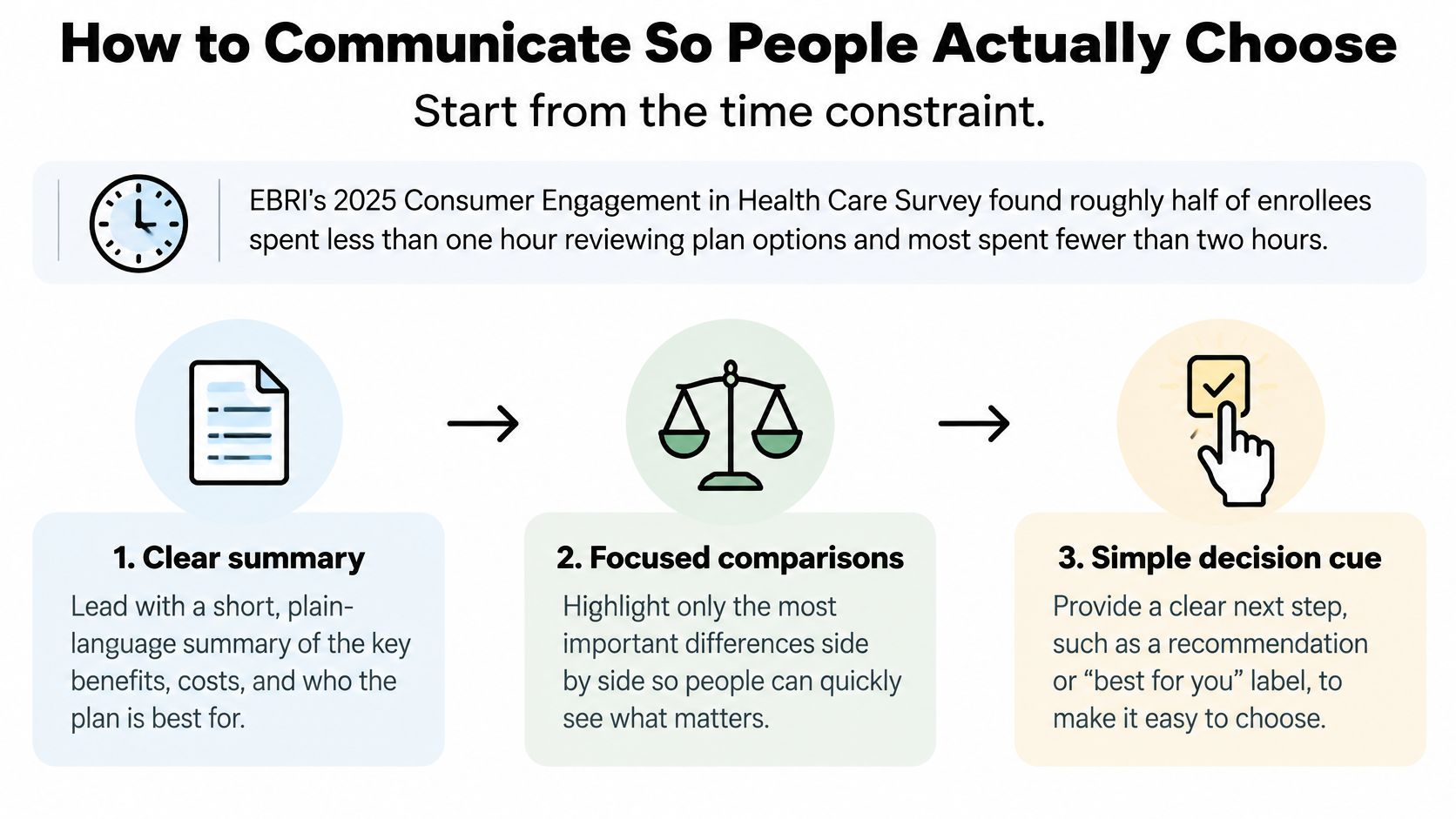
Most employees spend under two hours on benefits decisions. EBRI's 2025 Consumer Engagement in Health Care Survey found roughly half spent less than one hour reviewing plan options, and most spent fewer than two hours, as reported in EBRI's survey report. That same report identifies benefits guides as the resource employees use most often. The win is a confirmed total-cost choice and clean eligibility files, not more emails.
Treat the employer window as separate from the ACA Marketplace deadline. Employees need to know your dates, your effective date, and what happens if they do nothing.
Use six focused touches
Announce the window clearly. State opening and closing dates, effective date, and the two or three actions employees must complete. Spell out whether they need to actively confirm an election or make a new choice.
Publish one comparison page. Show the paycheck deduction, deductible, out-of-pocket maximum, and whether current doctors are in network. Build it from the same cost worksheet HR uses to review the plans.
Use short scenarios. Show a realistic example for each plan type, such as predictable-care use, a high-deductible choice, family coverage, and ongoing prescriptions. Scenarios help employees apply plan terms without suggesting one plan fits everyone.
Offer decision support in accessible formats. Benely's open enrollment process includes group virtual and in-person presentations, one-on-one counseling, a customized benefits guide, and customized benefits videos. Schedule time or formats that work for remote, hourly, and night-shift employees.
Remind only people with incomplete elections. A reminder works better when it tells the employee what remains unfinished and how to complete it. Targeted follow-up saves everyone from repeated messages.
Send a confirmation before the deadline. Show the selected coverage and estimated paycheck deduction. Give a clear way to report an error before the window closes.
Clear guidance is still rare. A survey of ACA-eligible employees found that 39% considered the guidance they received clear, according to the 2025 Selerix Employee Benefits Survey Report. Make instructions mobile-friendly, use plain language, and provide multilingual materials where employees need them. A completed election does not prove the employee understood the trade-offs.
End with a brief comprehension check. Ask employees to answer two scenario questions, such as which plan gives a lower paycheck deduction and what the maximum out-of-pocket exposure is. Review results by location, language, and work arrangement. For teams stretched thin on logistics, some HR groups hire a virtual assistant to help organize reminders and meeting schedules while internal staff focus on counseling and file review.
Handle Late Changes and Qualifying Events
The first late election request is when a clear policy matters. Set the rules before launch, apply them consistently, and record what happened so payroll and benefits administrators can act on an approved decision.
Write the late-election rule before the window opens. Specify who may enroll late, the deadline for a request, and whether HR or a manager must approve it. Make sure the rule matches the plan documents and administration process.
Log each request. Add the reason, date, decision, and responsible owner to the exception report. A consistent record helps HR apply the same rule to similar cases and gives payroll a clear basis for a change.
Route qualifying life events correctly. Marriage, birth, adoption, or loss of other coverage may trigger a special enrollment process under the plan. Confirm the applicable window and documentation requirements instead of treating the request as an ordinary late election.
Record the effective date and deduction change. Keep the approved coverage change with the supporting documents so payroll can start or stop the right deduction at the right time.
Marketplace rules are a separate matter. After January 15, people generally can't enroll in or change a Marketplace plan unless they qualify for a Special Enrollment Period; Medicaid and CHIP enrollment remains available year-round to eligible applicants. Employees who miss the employer window need a documented answer based on the employer plan's rules, not an assumption that the Marketplace calendar governs their group coverage.
Score Results and Book Next Year
Start the debrief with a scorecard, not a tally of reminders. Measure the percentage of eligible employees with a completed election, the share who actively confirmed or changed a choice after opening the guide, waiver rates by pay tier and family status, unresolved exception items, and how often payroll deductions match carrier records. Also count questions and corrections by location and language.
Those measures help identify the work that needs attention. A rise in waivers among employees choosing family coverage may point to a contribution problem. A cluster of questions from one site or language group may signal a communication gap. A mismatch between payroll and carrier records points to a process or file-flow issue that reminders can't fix.
Within two weeks of the effective date, hold a one-hour debrief. Note which eligibility cases required corrections, save the test cases for next year, and write the next calendar while the details are still fresh. An employee benefits survey template can help gather structured feedback about employees' experience and decision needs.
If the team is still reconciling spreadsheets after the window closes, use that workload as a reason to compare your current systems with alternatives. Benely's process has five steps: Evaluate, Automate, Open Enrollment, Compliance, and Ongoing Support. Its platform lets teams compare plans, track enrollment progress, and connect systems in one place.
Finish by locking next year's effective date, naming an owner for each calendar milestone, and booking the debrief before this year's carrier file is forgotten.
Benely helps employers compare plans, manage enrollment, and connect benefits administration with HR and payroll workflows. Visit Benely to review whether its benefits support fits your next open enrollment season.